
Common Python, Git, and Linux Commands
· Others · Python / Git / Linux
Python environments
# Create, list, enter, and leave environments
      conda create -n myenv python=3.9
      conda env list
      conda activate myenv
      conda deactivate

      # Remove an environment
      conda env remove -n myenv
      conda remove -n myenv --all

      # Install, update, and remove packages
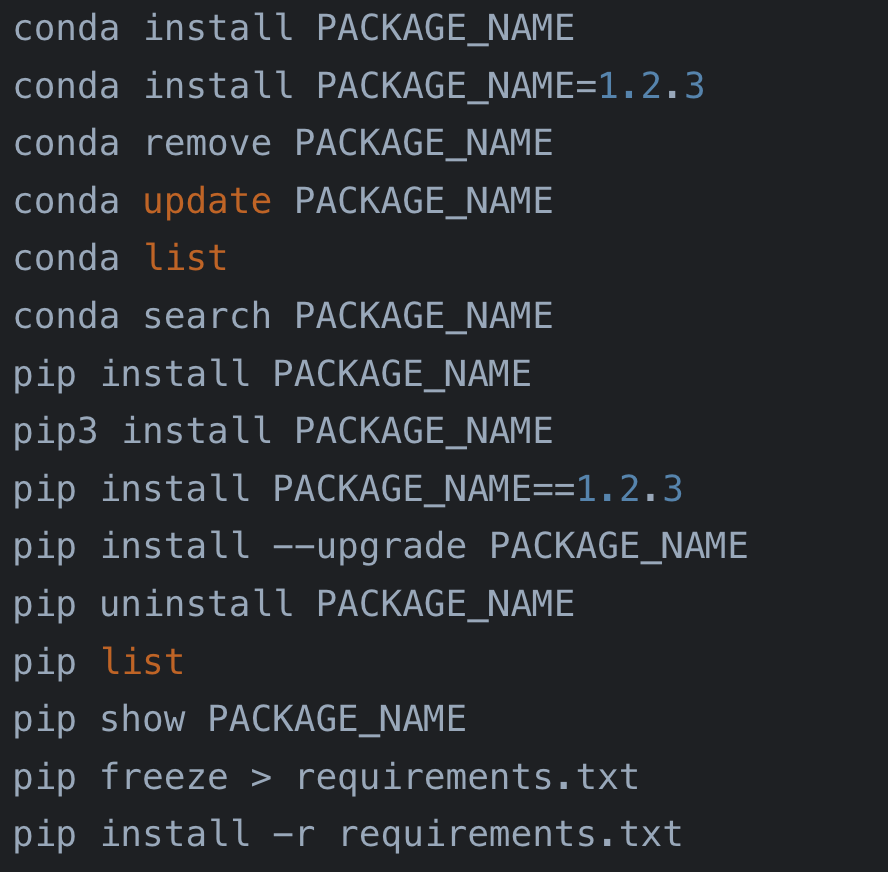
      conda install PACKAGE_NAME
      conda install PACKAGE_NAME=1.2.3
      conda remove PACKAGE_NAME
      conda update PACKAGE_NAME
      conda list
      conda search PACKAGE_NAME

      pip install PACKAGE_NAME
      pip3 install PACKAGE_NAME
      pip install PACKAGE_NAME==1.2.3
      pip install --upgrade PACKAGE_NAME
      pip uninstall PACKAGE_NAME
      pip list
      pip show PACKAGE_NAME
      pip freeze > requirements.txt
      pip install -r requirements.txt
Package mirrors
# Conda mirrors
      conda config --add channels https://mirrors.tuna.tsinghua.edu.cn/anaconda/pkgs/free/
      conda config --add channels https://mirrors.tuna.tsinghua.edu.cn/anaconda/pkgs/main/
      conda config --add channels https://mirrors.tuna.tsinghua.edu.cn/anaconda/cloud/conda-forge/
      conda config --set show_channel_urls yes

      # Restore Conda defaults
      conda config --remove-key channels

      # Use a pip mirror once or set it globally
      pip install PACKAGE_NAME -i https://pypi.tuna.tsinghua.edu.cn/simple
      pip config set global.index-url https://pypi.tuna.tsinghua.edu.cn/simple
      pip config unset global.index-url
For deep-learning environments, choose the required CUDA Toolkit from NVIDIA first, then install the matching build from the PyTorch selector. OpenCV's pip package is named opencv-python, not cv2.
pip install opencv-python
      python main.py
Git
git init
      git clone <REMOTE_URL>

      # First push
      git add .
      git commit -m "Initial commit"
      git remote add origin <REMOTE_URL>
      git push -u origin main

      # Resolve a merge conflict
      git merge <BRANCH>
      git add <CONFLICTED_FILE>
      git commit

      # Discard local changes and match the remote branch
      git fetch origin
      git reset --hard origin/main
Linux
# Files
      ls -la
      cd ~
      pwd
      cp a.txt b/
      mv a.txt b/
      rm a.txt

      # Read and search
      cat a.txt
      less a.txt
      head -n 5 a.txt
      grep "keyword" a.txt
      find / -name "*.log"

      # Permissions and system information
      chmod 755 script.sh
      sudo command
      top
      df -h
      free -h
      uname -a

      # Network
      ping example.com
      ifconfig
      ip a
      ssh user@host
      scp file.txt user@host:/path

      # Archives and help
      tar -czvf a.tar.gz dir/
      tar -xzvf a.tar.gz
      man ls
      Ctrl+C
      history