
SV3D: A Short Setup Guide
· Others · SV3D / ComfyUI / Stable Video 3D
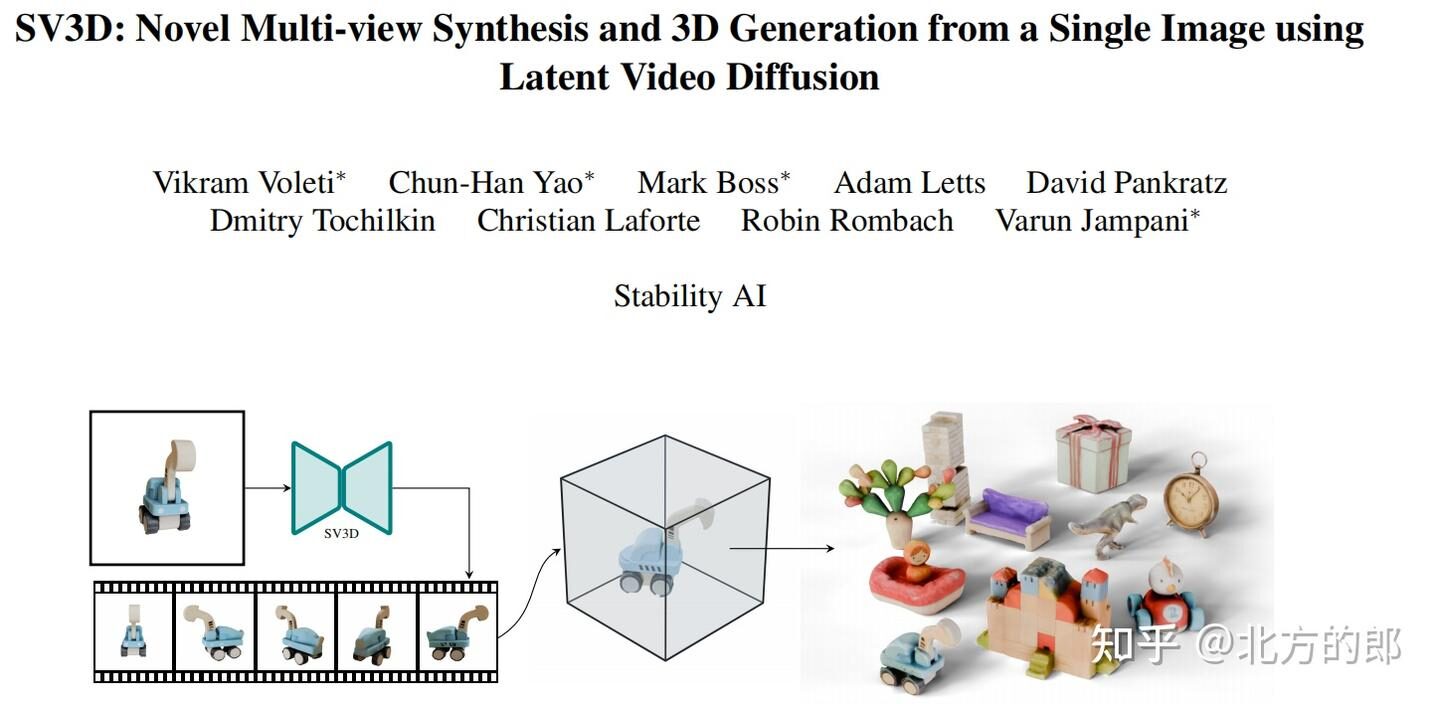
I tried SV3D and could not find a short, clear setup guide, so this page records only the minimum steps needed to reconstruct a 3D view from your own image.
- Install ComfyUI and ComfyUI Manager. ComfyUI is the interface; it does not include the model.
- Download the official
sv3d_p.safetensorsmodel from stabilityai/sv3d and place it inmodels/checkpoints. - Start ComfyUI and import this SV3D workflow JSON.
- If the workflow reports missing nodes, open Manager and choose Install Missing Custom Nodes. If installation fails, download the node manually into
custom_nodesor the indicatedmodelssubfolder. - The workflow may also require CLIP Vision and a VAE. Put both files in their matching model folders.
- Refresh or restart ComfyUI, import the workflow again, select your image, check the CLIP Vision and VAE selections, and click Queue Prompt.