
How to Completely Remove and Reset Polylang in WordPress
· Others · WordPress / Polylang
A failed attempt
I tried Polylang for multilingual posts, but some settings could not be changed after initial setup. Deactivating, deleting, and reinstalling the plugin kept the old configuration, so I needed a complete reset.
One tutorial suggested renaming or deleting WordPress's language folder before reinstalling Polylang. It did not work for me and is a risky way to solve a plugin-specific problem.
The official method
The procedure in Polylang's official uninstall guide worked:
- Keep Polylang active for now.
- In
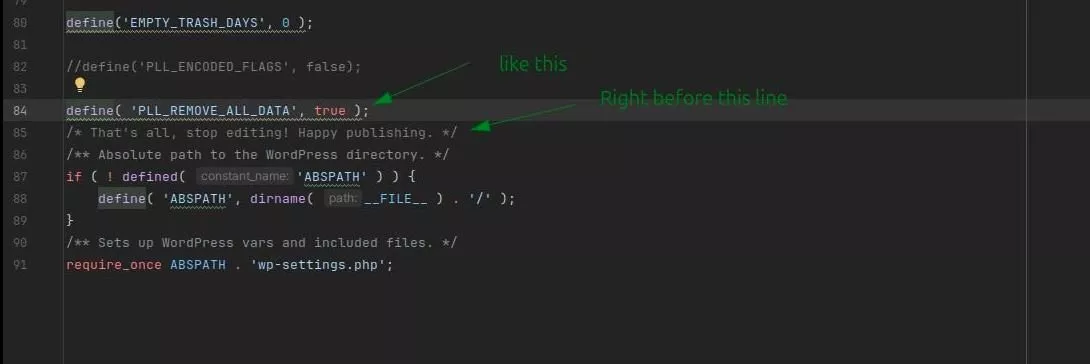
wp-config.php, add the following line before/* That's all, stop editing! Happy publishing. */:
define( 'PLL_REMOVE_ALL_DATA', true );- Save the file and refresh the site.
- Open the plugin manager, then deactivate and delete Polylang. Reinstalling it will now start the initial setup again.