
Akizip: A Native GNOME Archive Manager
· Tech · GTK 4 / libadwaita / Flatpak / 7-Zip / Python
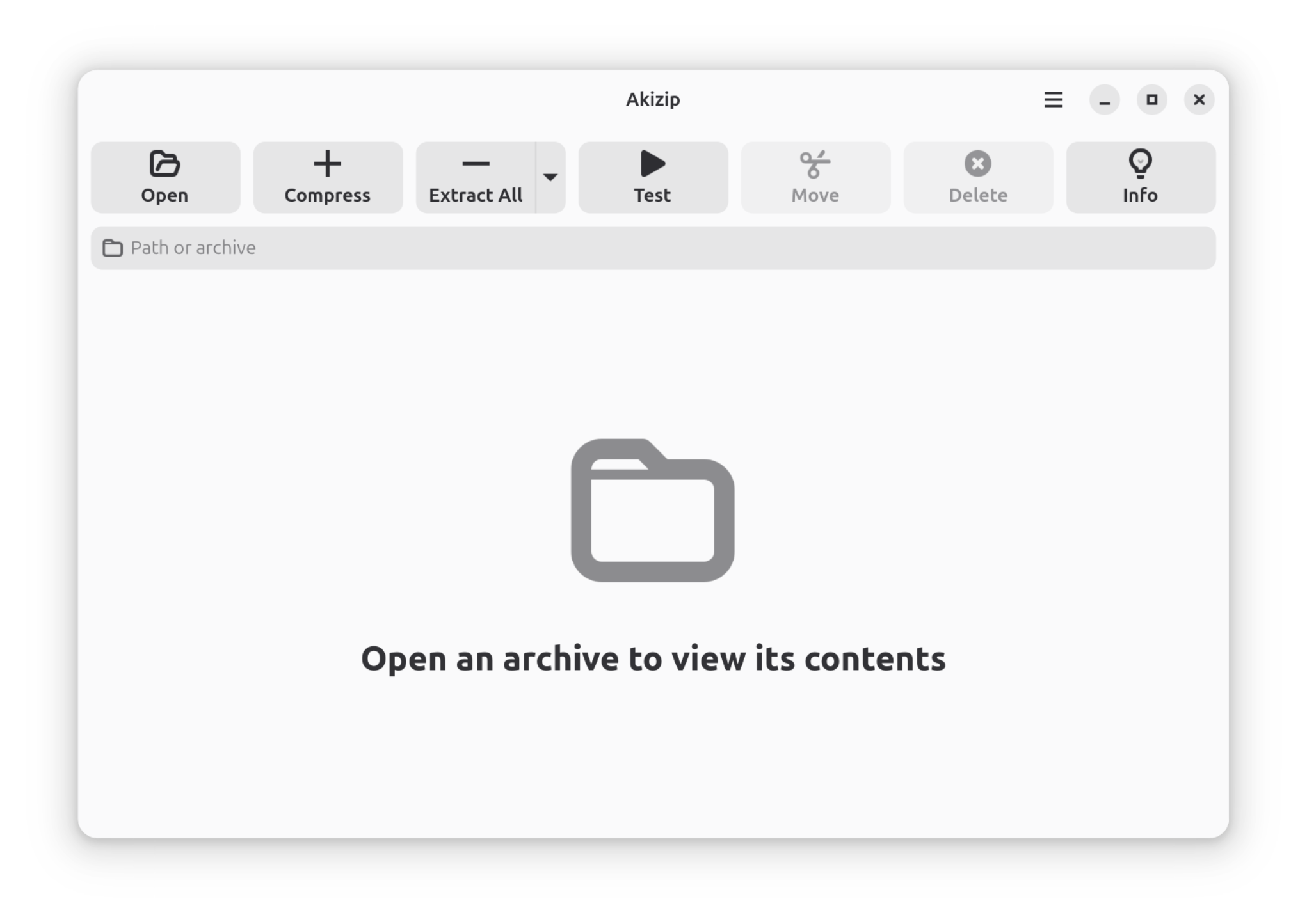
Akizip is a modern archive manager for the GNOME desktop. It puts the 7-Zip engine behind a clean GTK 4 and libadwaita interface, so inspecting, creating, and extracting archives feels like part of the desktop instead of a cluttered cross-platform tool.
It started as a small open-source project built with a friend. A few months after launch it is a verified Flathub app with more than 20,000 installs (as of October 2026), 49 stars on GitHub, and community translations into seven languages.
- 20,000+ installs on Flathub, with about 5,000 in the first month
- 49 stars on GitHub, released under GPL-3.0
- Verified Flathub listing, sandboxed with minimal default permissions
- 7+ interface languages, with translations managed on Weblate
What it does
- Wide format support. Create and extract 7z, zip, and tar archives; open tar.gz, tar.xz, tar.bz2, gz, xz, bz2, iso, and read rar files.
- Inspect before extracting. Browse an archive's contents and metadata without writing anything to disk first.
- Never blocks the window. Long jobs run in background workers with live progress and one-click cancel.
- Transparent by design. A dockable log panel shows command output and diagnostics for every operation.
- Native look. It follows the system theme, light or dark, and adapts to the GNOME desktop.
Under the hood
The application is written in Python on GTK 4 and libadwaita, builds with Meson and Ninja, and ships as a sandboxed Flatpak that bundles 7zz as its compression engine. Localization uses gettext, and the project is developed in the open: issues, pull requests, and translations are all welcome.
Install
flatpak install flathub top.akizip.akizip