An IoT Test Tool: Development Notes
· Tech · Python / PyQt6 / MQTT / REST API / JSON / SSL / MySQL / Docker
I built an IoT testing tool for work. The code cannot be shared, but the engineering problems are worth recording.
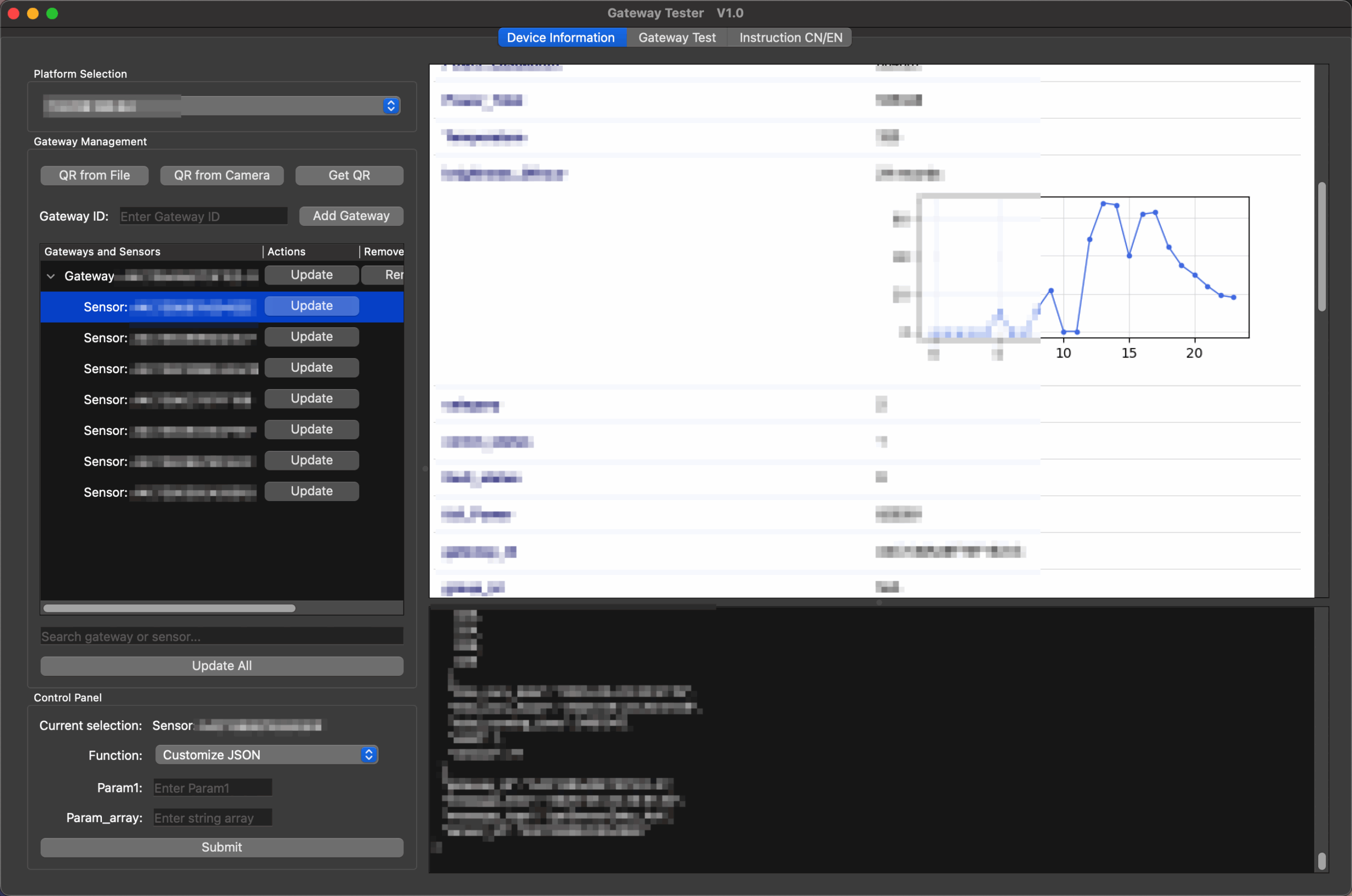
Users can retrieve gateway information and send or receive commands. Instead of typing a gateway ID, they can scan a QR code. MQTT carries commands and feedback, while gateway state is kept in classes so related data stays together. Dangerous operations, such as deleting a gateway, require a password. Incoming MQTT feedback updates the interface automatically.
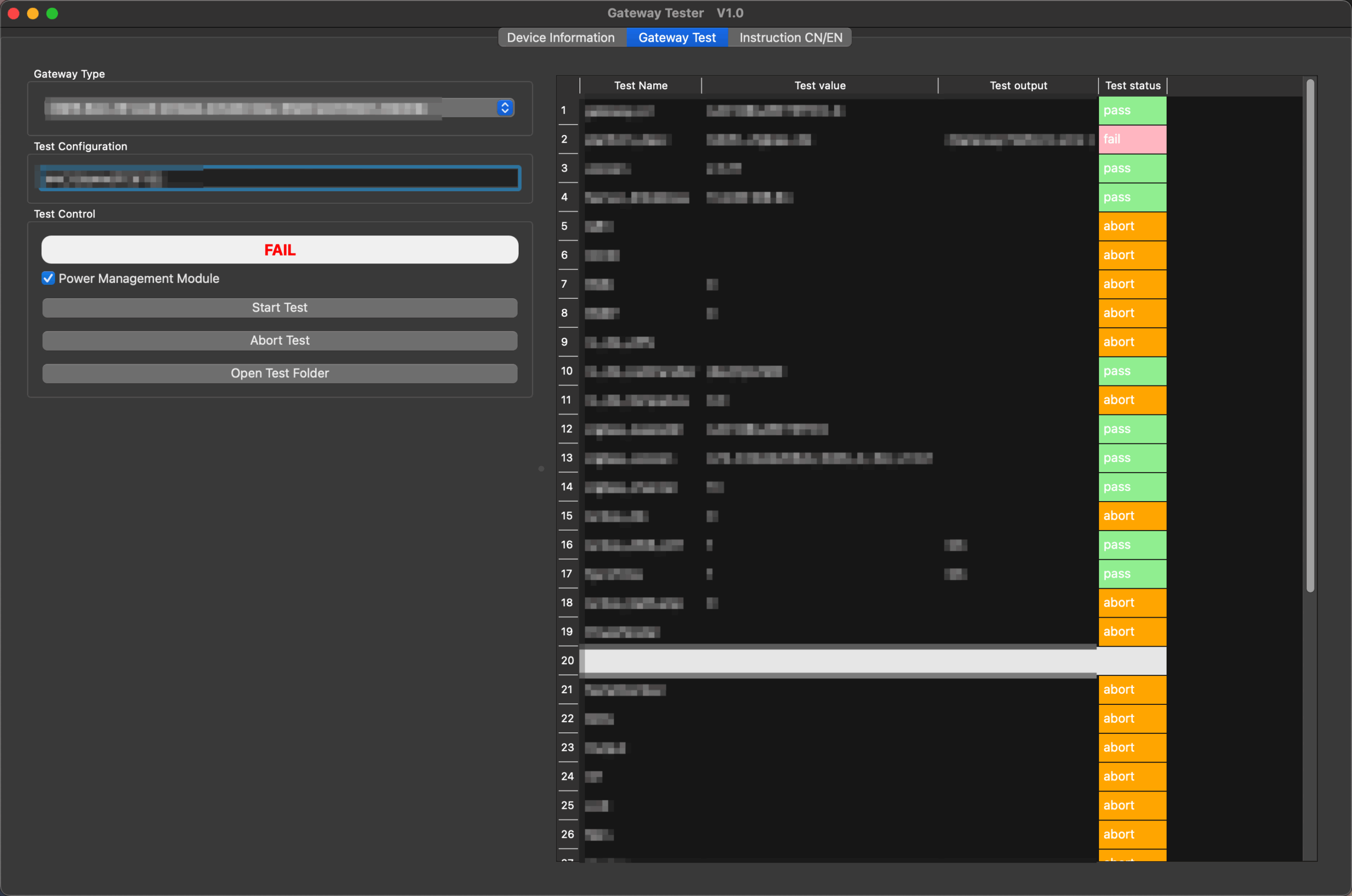
Gateway test procedures are separated into classes. Selecting a gateway type runs the checks required by that model. The program is written in Python with PyQt6 and packaged as a Windows executable and a macOS application.
QR scanning
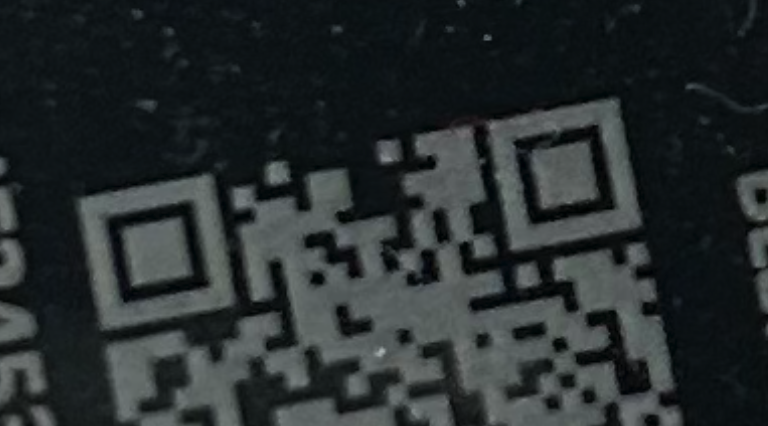
I used OpenCV for QR scanning, which nearly doubled the packaged program size. Recognition was still much slower and less reliable than WeChat. One QR code remained difficult to read even after custom preprocessing made it look perfectly clear to the eye.
PyInstaller and file paths
A program that ran perfectly in PyCharm repeatedly failed after packaging. Starting it from a terminal finally exposed the real error: files were not found. I put the required files at one level and explicitly included every certificate and key in the PyInstaller command. OpenCV also needed a hidden import.
conda activate mqtt-testtool
      pyinstaller --noconfirm --onefile --windowed ^
        --icon=E:\xxx\MQTT-testtool\favicon.ico ^
        --add-data="E:\xxx\MQTT-testtool\certificate1.pem.crt;." ^
        --add-data="E:\xxx\MQTT-testtool\certificate2.pem.crt;." ^
        --add-data="E:\xxx\MQTT-testtool\certificate3.pem.crt;." ^
        --add-data="E:\xxx\MQTT-testtool\key1-ca.pem;." ^
        --add-data="E:\xxx\MQTT-testtool\key2-ca.pem;." ^
        --add-data="E:\xxx\MQTT-testtool\key3-ca.pem;." ^
        --add-data="E:\xxx\MQTT-testtool\private1.pem.key;." ^
        --add-data="E:\xxx\MQTT-testtool\private2.pem.key;." ^
        --add-data="E:\xxx\MQTT-testtool\private3.pem.key;." ^
        --hidden-import=cv2 ^
        --exclude-module=macholib ^
        E:\xxx\MQTT-testtool\UI.py
A strange macOS problem
The same code started slowly and repeatedly launched new copies on macOS. Initially it kept opening processes until I forced the machine to shut down. After adding several single-instance checks, closing the first window could still start another copy. I recorded it here because the behavior was both reproducible and unusually hard to trace.